
The best photos to identify a lost pet (and how to take them)
In a lost-pet search, the right photo is the one a stranger can match to the pet they see. A handful of well-taken photos — not 200 unsorted ones — is the right preparation.
THE DRIYU JOURNAL
Lost Pet Recovery
In this reading
Quick answer: Keep a clear face photo, a full-body view and close-ups of distinctive markings. Keep a photo of you with the pet privately as supporting evidence if ownership needs checking. Update after appearance changes and save local copies for offline use.
A note about privacy
Public recovery pages may show the information the owner chooses to provide or make visible. Review your settings and Driyu's current Privacy Policy for the latest details. Do not share information publicly that you are not comfortable making visible to a finder.
Four photos worth taking
- Headshot — eyes, ears, muzzle, in natural light, no filters
- Full body, standing — shows size, build, tail, posture
- Unique markings — a scar, a white sock, a tail kink, a mismatched eye
- You with the pet — keep privately as supporting evidence; shelters may require additional ownership records.
Why natural light matters
Indoor lighting tints color. Filters distort. A flat photo in window light or shade outdoors shows the real coat color and pattern. The finder is comparing to the pet in their living room; their light source is not your hallway.
Why distinctive markings help
Many dogs and cats look similar at a glance. A scar over the left eye, a curled tail tip, a white sock on one foot — these are what a shelter or finder zeroes in on for confirmation. Photograph them deliberately.
Where photos should live
- On your phone, accessible offline
- Use a clear primary image in the public recovery profile; a QR scan requires a working page and internet connection.
- In a cloud folder you control as a backup
- Printed in the pet go-bag for evacuation scenarios
What you do with them in a lost-pet event
Use suitable images in shelter reports, flyers and community posts. Petco Love Lost can be an additional search tool, alongside direct checks with shelters and local reporting; no photo tool guarantees a match.
How Driyu fits
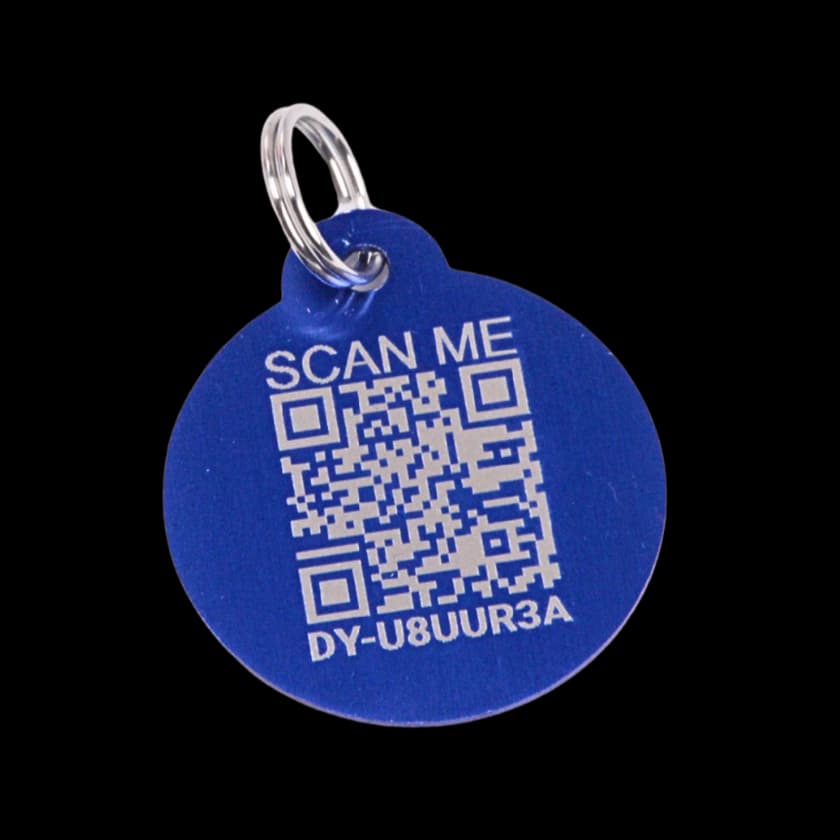
An activated Driyu tag points to the pet’s public recovery page, which uses its primary profile photo. After saving a new photo, open the page and check the result. Images already copied into flyers or outside posts will not update automatically.
Related reads from Driyu
- Why every pet profile needs recent photos
- How to make an effective lost pet flyer and social media post
- What to do in the first hour your pet is missing
Sources and further reading
Frequently asked questions
Are AI lost-pet tools worth using?
Petco Love Lost offers photo-based search and lost/found reports. It can supplement local searching, but database coverage and photo matches are not complete or guaranteed.
Should I include the pet’s collar in the photo?
A current collar photo can help, but keep one that shows the pet clearly without relying on a collar that could be lost. Do not expose private tag details unnecessarily in a public photo.
What if my dog has no unique markings?
Many dogs do not. Photograph posture, build, and any small features — an unusual eye color, a coat whorl, a slight asymmetry.
Should I photograph the pet in motion?
Standing or sitting is more useful for ID. Action shots are for the album.