A familiar gallery.
The app displays a photo grid with an image viewer.

Keep pet photos together in the profile. Open a photo for a closer look and use a primary image to help people recognize your pet.
Explore Milo’s exampleA walkthrough with fictional data, based on the app.
HEALTH & RECORDS
Know their story. Care for their day.

Milo · Fictional data
Open the photo to see the viewer. The primary photo is already selected in this example.
A LITTLE MORE CLARITY, EVERY DAY
The app displays a photo grid with an image viewer.
Owners can manage the primary image used to identify their pet.
Editing controls and visible photo capacity depend on access and the account. This demo adds no new limits.
The primary image helps identify your pet. Review photos and captions for addresses, contact details or other information you would not want to share. Editing permissions and capacity depend on the account; the example does not introduce new limits.
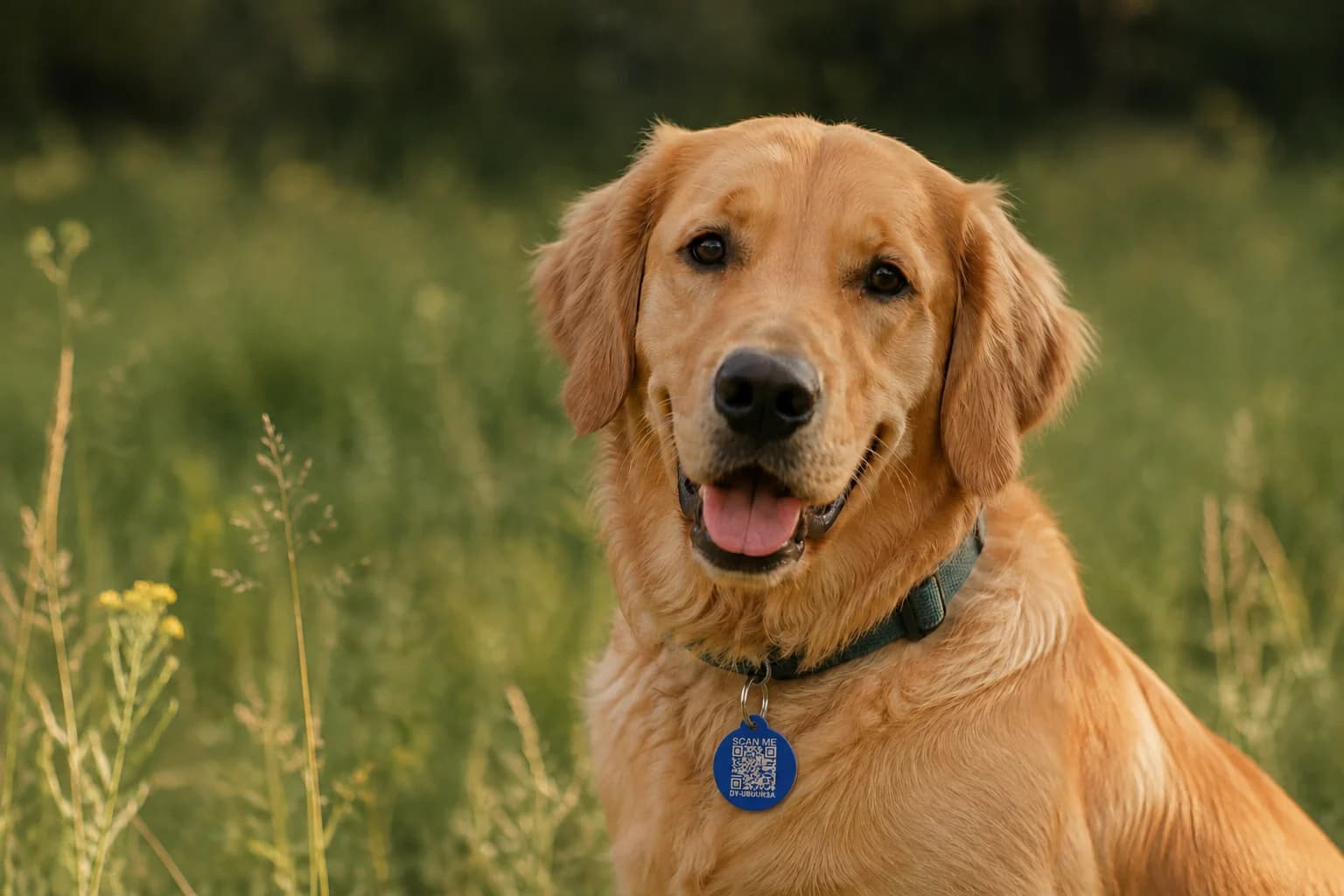 MILO · HIS VERY OWN STORY
THE DETAILS ARE PART OF THE LOVE
A date you remembered. An observation you wrote down. A photo that looks exactly like them. Give everything you know about your pet a place to belong.
Meet Milo’s pet profileA LITTLE MORE CLARITY
Into your pet profile inside app.driyu.com, kept with the rest of your pet details.
The public recovery page is separate from your private account. A photo used to identify your pet can be visible there. Review photos and captions for personal details before using them.
No. Milo is the fictional demo dog, wearing the supplied Driyu tag design. No customer photo library was accessed.
The example explains the main screens and steps with fictional records and a smaller set of fields. It is not connected to a real account.
No. Sample actions stay on this page. No account, real pet, file or AI service is connected. Reset restores the example.