Smart Reminders
Keep track of reminders for vaccines, medications, and everyday care tasks.
Read the guideOne place to see what’s next.
THE LITTLE TOOLS BEHIND THE LOVE
From the appointment on your mind to the people in their corner. Discover how Driyu brings the pieces of their world together.
How it worksTake a look inside with Milo
Filter by plan, then jump straight to the feature you want.
Pro includes Pro Beta. Guides appear under Free.
Showing 25 features
LET SOPHIA WALK YOU THROUGH
A first look at Driyu with Sophia.
Browse all 12 video guidesWhat Sophia says in this video, with timestamps. Read without playing it. Also check the accompanying note and guide for the current process.
Hi, I'm Sophia, Driyu's AI Guide Avatar.
While the human team at Driyu is out helping more pets stay safe,
I'm here to show you what Driyu can do for your pet.
At the heart of Driyu are free features built for one purpose,
helping pets get home faster if they are ever lost.
You can create your pet's digital profile, control what information is shared,
receive tag scan alerts, activate lost pet mode,
add emergency contacts, and connect your pet with trusted people like family,
vets, groomers, and care providers.
These core safety features are free forever, no credit card needed.
And when you want even more support, Driyu Pro gives you extra tools like
document storage, smart reminders, AI help, and more ways to keep your pet's
care organized. The free plan helps protect your pet.
Pro helps make pet care even easier.
Because every pet deserves to be safer, easier to identify,
and easier to bring home.
Welcome to the Driyu family.
Explore all four pillars and the getting-started guides, with clearly labeled guides and examples.
Care today
The appointment. The food they love. The detail you meant to write down. Give the everyday things a place to belong.
Try it with MiloKeep track of reminders for vaccines, medications, and everyday care tasks.
Read the guideOne place to see what’s next.
Organize your pet’s details, with a public recovery view that helps a finder contact you.
Track what your pet eats, keep food notes in one place, and see feeding history. Available where enabled in your account.
Tell Driyu in plain language; it drafts records you review and approve before saving.
Health & records
Bring the records, observations, and memories together. A clearer picture for you, and a more useful conversation with your vet.
Try it with MiloKeep vaccination, medication, and vet-document records in one private place.
Read the guideStore pet documents and pet-care expenses privately — never shown to a finder.
Log what you notice so you have a clear history to share with your vet.
Log your pet's weight and watch the trend over time.
Educational pet-care notes and questions for your vet — never a diagnosis.
Keep the best photos of your pet in their profile, alongside their recovery details.
Family & sharing
Your partner, their sitter, the vet who knows them by name. Keep the right people and details connected, with access you control.
Try it with MiloShare a pet profile with family, sitters, or your care team — you stay in control.
Read the guideAdd your vet, groomer, or sitter to the pet profile you control.
Keep rescue, shelter, foster, or breeder details connected to a pet profile — and transfer the profile when the pet moves to a new owner.
Hand your Driyu pet profile and tag connection to a new permanent owner. Available where enabled in your account.
Safety & recovery
When a normal day takes an unexpected turn, give a finder a clear next step. Your pet’s profile, your sharing choices, their way to reach you.
Try it with MiloSee recorded scan counts for each tag. A scan is a clue, not live GPS tracking.
Read the guide
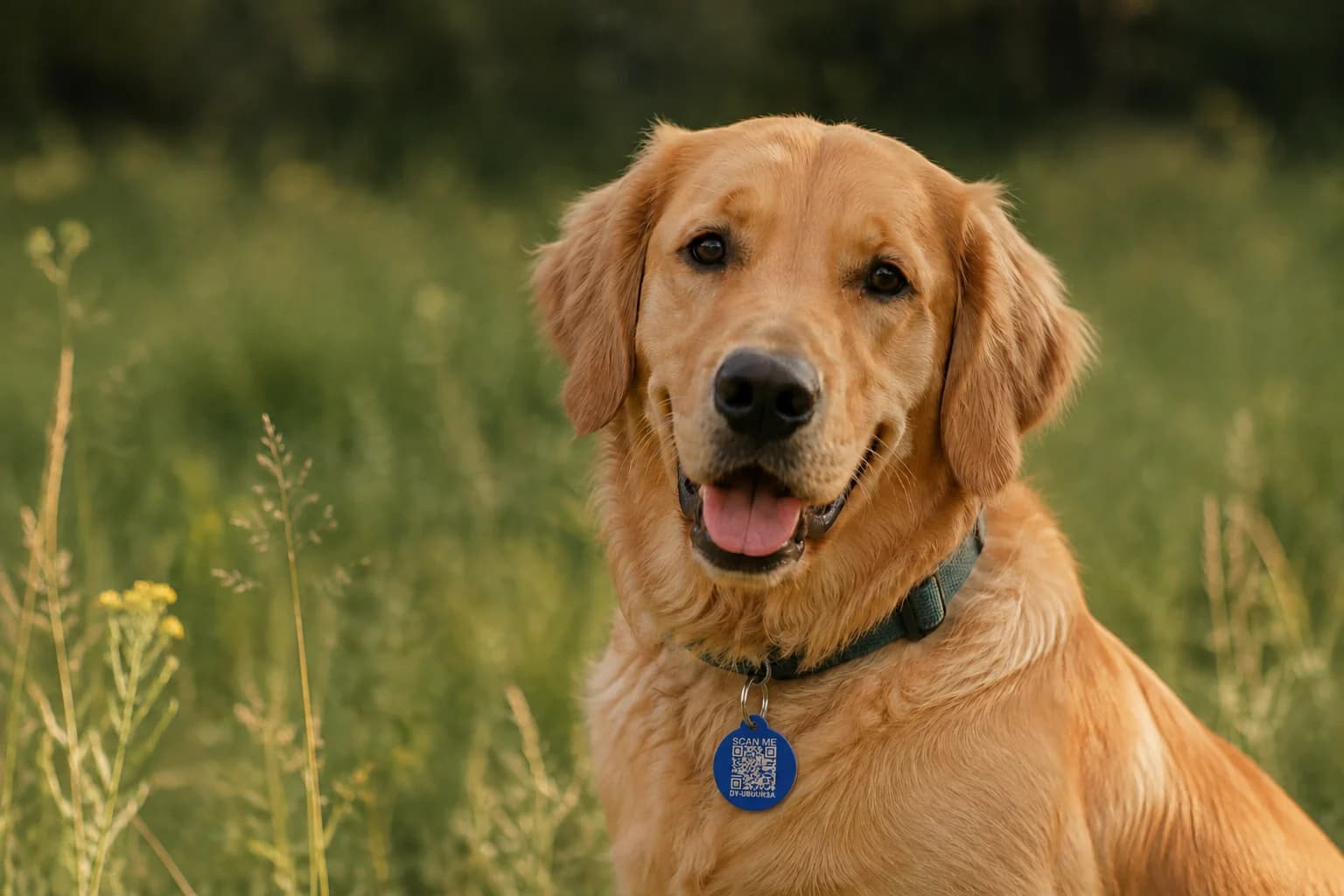
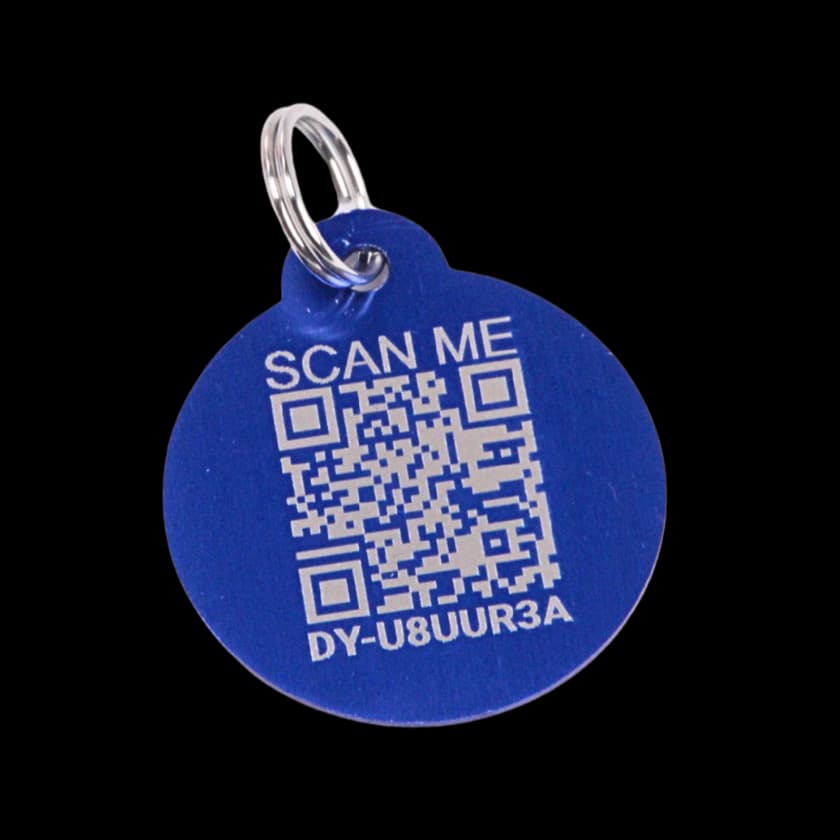
QR recovery. No live GPS tracking.
Mark your pet lost and bring recovery actions to the top of their public profile.
Download recovery cards and printable flyers from an active Lost Mode alert.
Connect trusted people to your pets, choose a primary contact, and manage their alert preferences.
Choose which contact and location details appear publicly, while keeping a direct way to reach you.
See and manage every Driyu tag on your account, and the pet each one is linked to.
Get support with a replacement, then link your new tag to the same pet profile.
Keep your account’s street address off the finder profile and choose which contact details appear.
THE NEXT LITTLE STEP
Yes. Start with a free account and create a pet profile. When you have your tag, follow the activation guide to connect it to the correct pet. Scanning opens the flow; the final assignment completes the link.
No. The QR tag opens a public pet profile. Scan context or a location someone chooses to share is not continuous GPS tracking.
No app or account is required to open the public profile. The phone needs an internet connection. Available contact options follow the owner’s visibility choices.
Phone, email, city, state and emergency contacts have visibility controls. Keep a reachable contact available. The saved street-address field and full medical records are separate from the public scan page; notes or photos can still reveal personal details.
The Ask Driyu guide explains the current assistant tools and their limits. Review AI responses before using them; these tools do not replace your veterinarian.
You can start with a free account. The feature labels and plan picker help you explore the current website’s Free, Pro and Pro Beta categories. Compare membership details before choosing a plan.