FOR YOU
Keep their life together.
In your account, manage pet details, photos, care and records. Prepare the information that helps someone recognize your pet and reach their people.
Explore the owner profile
THE PROFILE BEHIND THE TAG
Their photo, their details and the people to call. Prepare a profile that helps someone who finds your pet take the next step.
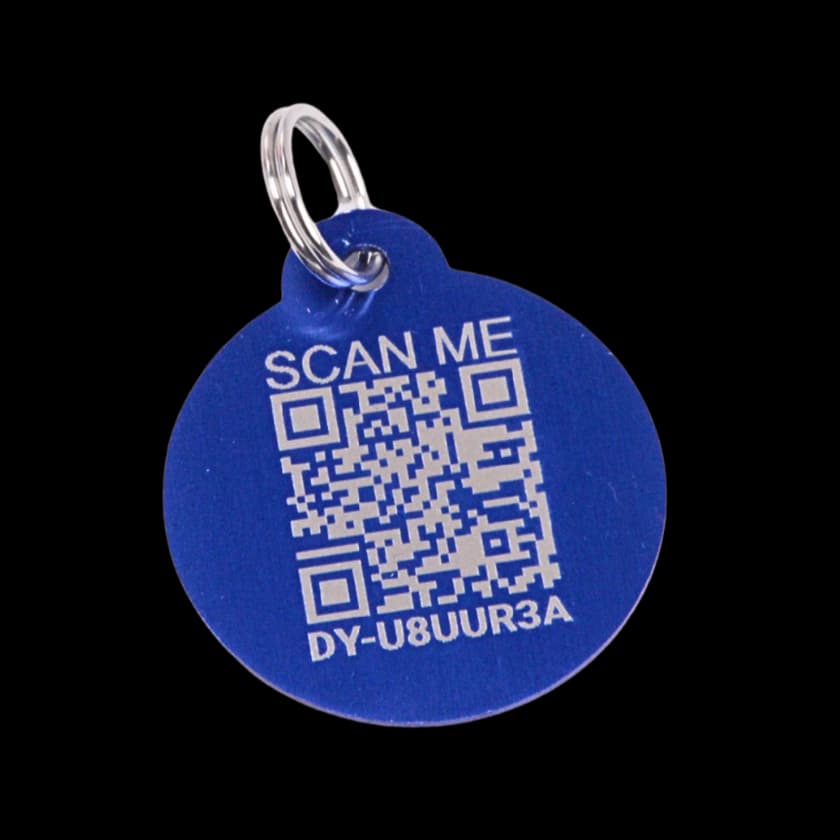
A finder needs no app or account. Internet is needed to load the page.
TWO VIEWS. DIFFERENT PURPOSES.
FOR YOU
In your account, manage pet details, photos, care and records. Prepare the information that helps someone recognize your pet and reach their people.
Explore the owner profileFOR THE FINDER
A linked tag opens the pet’s photo, details and visible contacts. Distinguishing marks, behavior notes, medical alerts and microchip details can also appear.
Lost mode adds finder instructions and the option to report the pet found. Active medical alerts marked to show on scan are public; previously saved allergies can also appear.
Explore what a finder seesExplore Milo’s sample dashboardFictional details; no account connected.
PUBLIC RECOVERY VISIBILITY
In Profile → Public Recovery Visibility, these settings apply at the owner level. They default to visible; review your settings.
Try the sample controlsShow or hide your direct phone number.
Choose whether your email appears.
Control whether your city is shared.
Control whether your state is shared.
Show or hide the emergency-contact list.
START BEFORE THE TAG ARRIVES
COMMON QUESTIONS
It is the information behind a linked Driyu tag. You manage your pet in your account; a finder opens a public recovery page with the pet’s photo, details and available contacts. They do not need an app or account to read it.
No. You can add your pet, a photo and emergency contacts first. Review your public visibility settings, then link a tag to the existing pet when you activate it.
The recovery page is public: someone with its link can open or share it, even without scanning the tag. The five visibility controls hide specific contact fields; they do not make the page private. Your account’s home-address field is not included on the public tag page. Review anything you put in public notes, instructions or photos too.
No. It gives a finder information and ways to make contact. It is not continuous GPS tracking, a nationwide alert network or a 24-hour recovery team, and it does not guarantee that a pet will be found.
YOUR NEXT STEP