Start with support.
Replacement requests are support-led. The process and applicable terms need confirmation with the team.

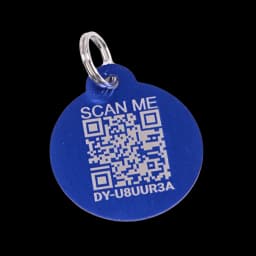
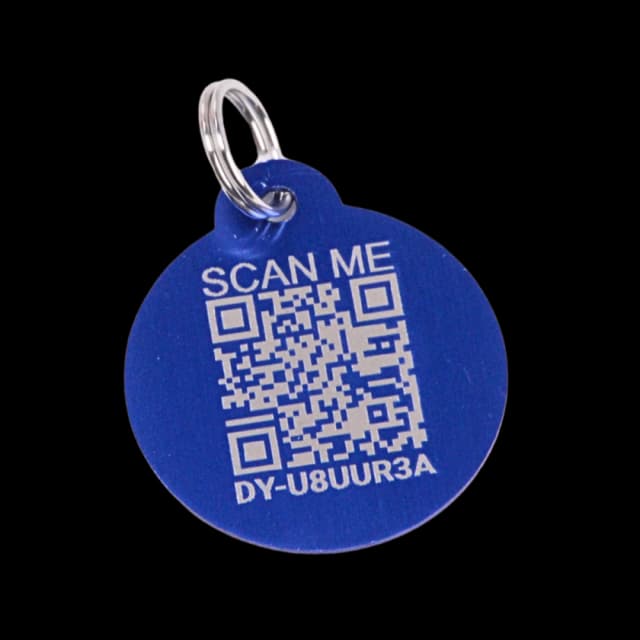
Lost, damaged, or worn? Start with support for a replacement request. Once you have the new tag, link it to your pet’s existing profile.
Explore Milo’s exampleFictional data. A walkthrough based on the app.
A way back to their people.

REPLACEMENT GUIDE
 Still Milo’s profile
Support guides the replacement request. Activation connects a new tag to the existing pet.
Support confirms eligibility, price, shipping and timing for your request. This guide does not establish a free-replacement entitlement. A replacement links to the existing pet profile when you activate it.
A LITTLE PREPARATION
Understand what each step does. Keep their details current and their people close.
 MiloYour example in this walkthrough
Contact support about the lost, damaged, or worn tag.
Ask the team about eligibility, price, shipping, and timing for your request.
When you have a replacement, choose I have a tag and assign it to the existing pet.
Keep your account’s street address off the finder profile and choose which contact details appear.