JRPrimary
Jamie Rivera
Sibling(202) 555-0162
jamie@example.com
ASSIGNED TOMilo

Keep the people who can help within reach. Assign emergency contacts to your pets, choose a primary contact, and keep their details up to date.
Explore Milo’s exampleFictional data. A walkthrough based on the app.
A way back to their people.


YOUR SUPPORT CIRCLE
Manage the trusted people who can help with your pets.
(202) 555-0162
jamie@example.com
Prepared contacts. Preferences send no alerts in this demo.
THE DETAILS THAT MATTER
Assign a contact to one or more pets. The contact card shows those pet assignments together.
Primary contacts are easy to recognize and appear first in the pet’s Recovery network.
Email and SMS preferences are separate from the account setting that shows emergency contacts on public pages.
Public contact visibility and email/SMS preferences are separate settings. These are people you choose, not an automatic network of vets or shelters. Review your saved choices; the example defaults are fictional, and no message is sent.
A LITTLE PREPARATION
Understand what each step does. Keep their details current and their people close.
 MiloYour example in this walkthrough
The app checks email verification. Name, phone, and at least one pet are required.
Set the relationship, pet assignments, primary status, and alert preferences.
Edit when details change. Deleting a grouped contact removes it from all assigned pets.
CLARITY FOR THE EVERYDAY
No. Care Team providers and emergency contacts are separate lists. You can manually choose a professional relationship for an emergency contact, but that does not automatically connect the Care Team.
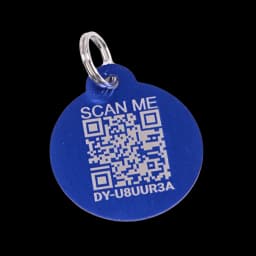
No. All people, codes, locations and actions are fictional. The original blue tag is a product reference. Reset restores the prepared example.
This guided example explains the main steps using fictional records. Check your account for available tools. The sample recovery cards illustrate the layout; they are not downloadable recovery posters.
Choose which contact and location details appear publicly, while keeping a direct way to reach you.