
The pet sitter handoff: what to leave with whoever watches your pet
What to leave with anyone watching your pet — a calm, complete handoff pack that covers routine, vet info, emergency contacts, and the small details that actually matter.
THE DRIYU JOURNAL
Emergency & Safety
In this reading
Prepare a short care summary plus the supporting records and contacts the sitter needs. Keep essentials on paper or otherwise available offline; do not assume a public pet profile contains private medication records or a complete emergency directory.
A note about privacy
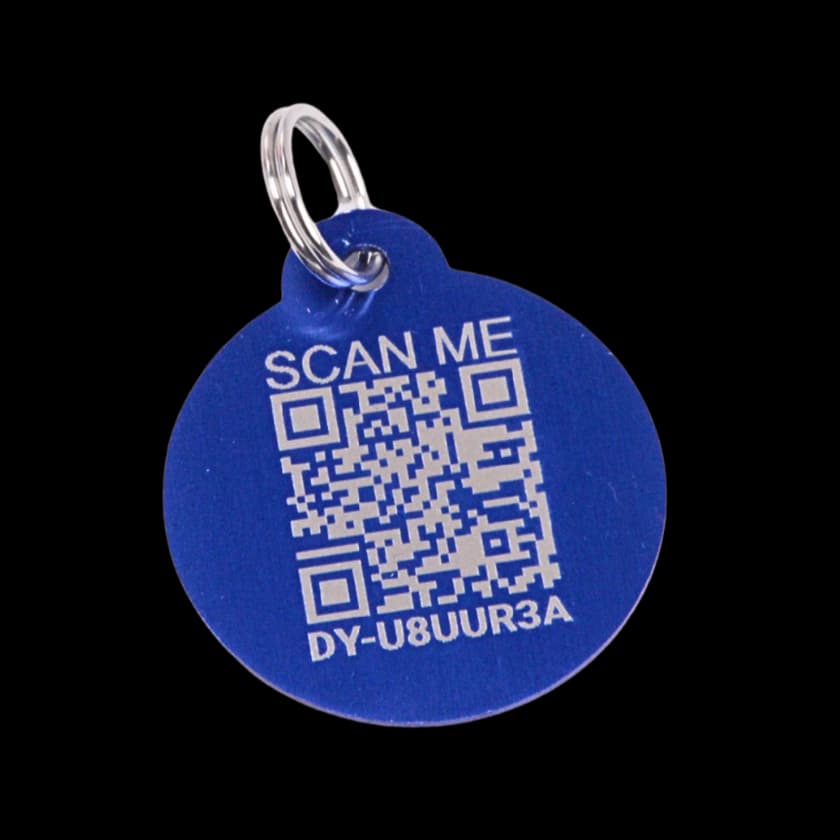
Public recovery pages may show the information the owner chooses to provide or make visible. Review your settings and Driyu's current Privacy Policy for the latest details. Do not share information publicly that you are not comfortable making visible to a finder.
Choose a caregiver able to meet the pet’s needs, then walk through the routine and possible problems together. Clear instructions help, but they do not substitute for the skills needed to administer medication or handle the animal safely.
Start with one printed page
Start with a readable printed summary in an agreed private location. Add supporting pages when needed rather than omitting important information to fit one sheet.
- Pet name(s), photo, breed, age. So the sitter recognizes who is who if there is more than one pet.
- Feeding times, amount, brand, where the food lives.
- Medicine name, strength, dose with units, route, timing, storage, and the prescriber’s instructions. Agree how the sitter records each dose actually given.
- Walks or yard routine. Length, frequency, route if it matters.
- Quirks and rules. “Does not eat if you are watching,” “cannot have rawhide,” “will try the cat’s food.”
- Where the leash, harness, towels, and cleaning supplies live.
Layer two: the digital profile
Keep useful care information where the sitter can access it. In Driyu, shared account access depends on the assigned role and access to the relevant tools; a public tag scan does not open the full medical record. Confirm the sitter can see what they need before you leave. Explore Family Sync for sharing with a sitter or trusted caregiver.
Emergency contacts and the “if I’m unreachable” plan
Agree on the order of calls for routine questions and emergencies. Include:
- A local backup human — a partner, family member, or neighbor who can physically show up if needed.
- Your vet plus the nearest 24-hour emergency clinic. Names, phone numbers, and rough driving directions. Most sitters do not know where the after-hours clinic is.
Arrange the clinic’s required consent and payment process before leaving, including what happens if you cannot be reached. A note or emergency-contact listing alone may not be sufficient. See planning emergency contacts.
Privacy: what the sitter sees vs. what stays private
Public recovery visibility and a sitter’s shared role are separate controls. The public switches cover phone, email, city, state and emergency contacts; they are not a checklist for selecting every record a sitter can access. Review the Family Sync role and the actual shared view. Keep door codes, keys, Wi-Fi passwords and private household details out of public notes.
House logistics
A short list of practical details that get forgotten more than they should:
- How the lock works. Where the key is, smart-lock code, the trick to the back door that sticks.
- Trash and recycling day. So bowls and food bags do not pile up.
- Thermostat range. Especially important for senior pets or breeds sensitive to heat.
- Wi-Fi password. Your sitter will appreciate it.
- Whether to let the pet on furniture or beds. Settle the question now, not by text from the airport.
The escape-prevention briefing
Walk through doors, windows, gates, and safe transport with the sitter. Show secure barriers and properly fitted equipment; do not rely only on the pet obeying a wait cue. Agree on a recovery plan and keep the first-hour guide accessible.
A short FAQ
How much information is needed? Enough to provide the agreed care, notice a problem, and reach help. Use a concise summary with complete supporting instructions and records.
Should I share account access? Family Sync can invite a View Only for supported read access or a Guardian with broader editing responsibilities. Review the actual permissions, test access, and remove it when care ends; temporary care does not require ownership transfer.
What should I do about house keys? Arrange access privately with the sitter. Keep key locations, door codes and lock instructions off the public tag page.
Do I need a backup sitter? Yes — at least an emergency contact. Sitters get sick, lose phones, and run into car trouble like everyone else.
How do I authorize veterinary care? Ask the treating and emergency clinics which documents, decision-maker details, and payment arrangements they require. Confirm the sitter understands the plan.
Review the handoff together before the stay, confirm access and contacts, and remove shared access when it is no longer needed.
Sources and further reading
- ASPCA — General Pet Care. Pet welfare organization with general care guidance. aspca.org
- American Veterinary Medical Association — Pet Owner Resources. Veterinary professional body. avma.org
- Pet Sitters International — Owner Resources. Professional pet-sitter association with handoff guidance. petsit.com