
One Driyu tag or multiple tags per pet: decision guide
Before adding a tag, consider where you need identification and check which pet each code opens. A spare tag needs its own linking step.
THE DRIYU JOURNAL
Pet ID & QR Tags
In this reading
Quick answer: an extra tag can be useful when you use different equipment. It does not automatically link to your pet. Choose the existing pet during activation and check the result for each code.
A note about lost-pet recovery
No tool can guarantee a lost pet will be found. Driyu can help organize information and make contact easier when someone scans or reports a found pet, but recovery also depends on the situation, the finder, local shelters, microchip registration, and your search actions.
Start by checking the tag you use
If one working tag is consistently with the pet, begin by checking its condition, linked profile and contact details. The number of tags alone does not guarantee recovery.
When another identification point may help
- A walking harness and a separate collar: check the identification on the equipment actually being used.
- A travel carrier: distinguish its label from identification worn by the pet.
- Different household routines: agree who checks the tag and keeps contacts current.
- Different activity equipment: check attachment suitability and readability without assuming every tag or collar suits every activity.
Link each code to the intended pet
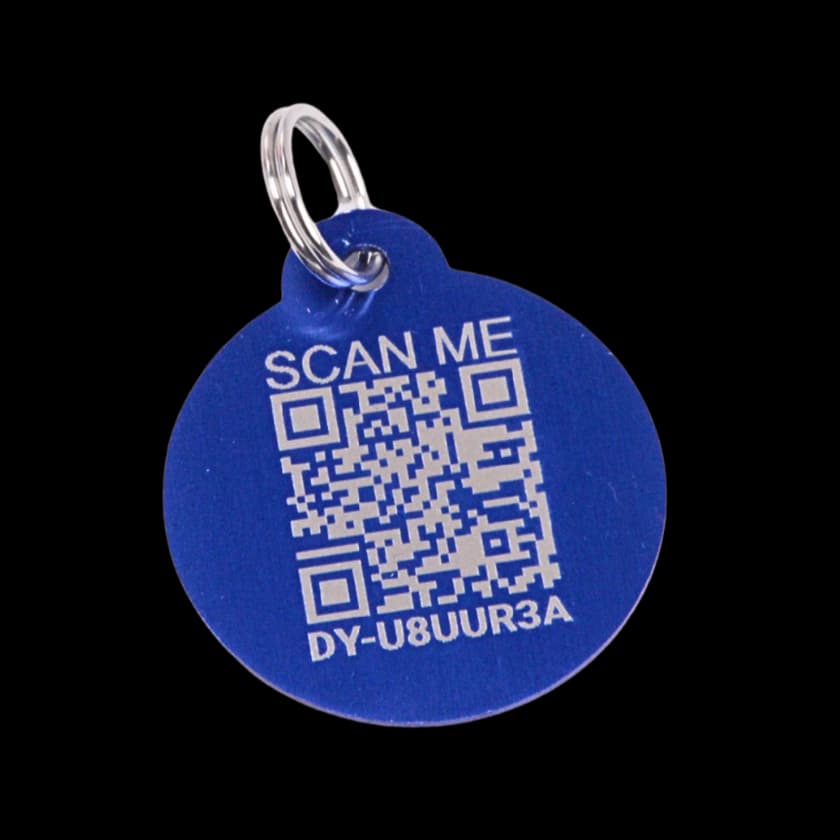
Each tag has its own code and linked pet. To connect an additional available tag to a pet you already registered, choose Assign to Existing Pet and explicitly select that pet. Tags successfully linked to the same pet use that pet’s saved information; each tag still has its own status and scan count.
How Driyu fits
Use the activation walkthrough for new versus existing pets, or the tag inventory example to see individual tag status. Avoid creating a duplicate pet just to add another tag.
Related reads from Driyu
- Driyu tag vs engraved-only tag: a decision framework
- Cat carrier emergency luggage-style info card
- Anatomy of a complete Driyu pet profile: six sections that matter
Sources and further reading
Frequently asked questions
Does each tag have its own profile?
No. An additional tag does not require a second pet profile. Select the existing pet when linking an available tag; do not assume it was assigned automatically.
Does adding more tags cost extra?
Review the current tag offer and any applicable terms before ordering. This guide does not establish a price, included quantity or membership entitlement.
What if I lose a tag?
A replacement needs to be linked to the intended existing pet. Review the old tag separately; linking a new one does not automatically disable it. A disabled tag can redirect to another active tag for the same pet, so disabling is not a promise that its URL stops opening the profile. See the replacement example.
Should I put a tag on the carrier?
A carrier can have its own identification. Check the suitability of the attachment and remember that a carrier label may not remain with a pet outside the carrier.