
When Driyu notifies the owner — and when it does not
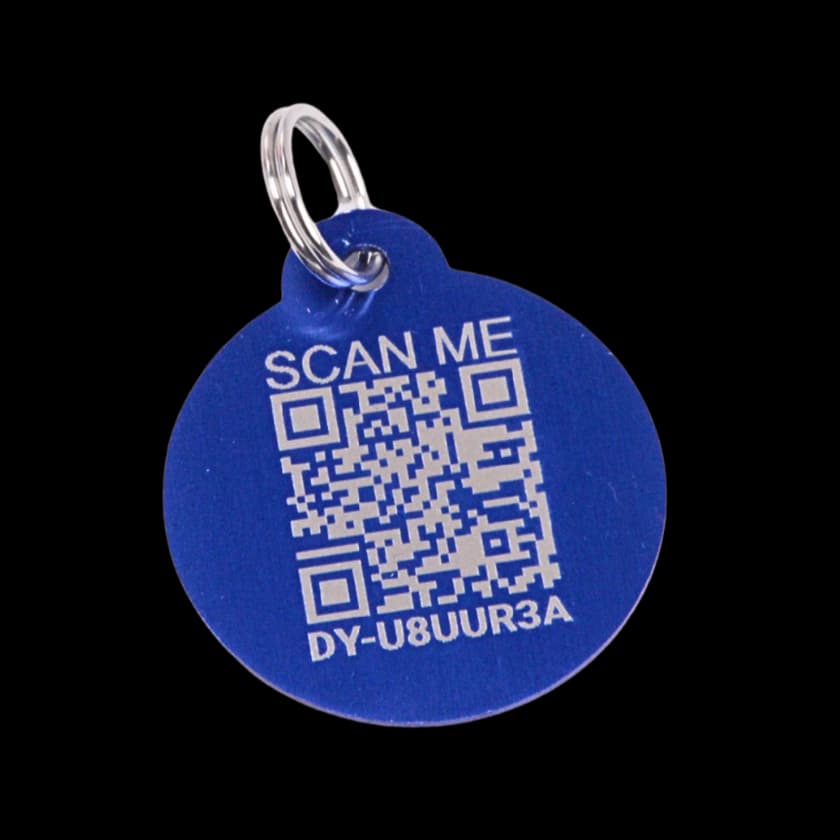
Opening a public tag page and submitting a finder report are different actions. A scan is recorded, but does not by itself send an owner alert. A successfully saved report starts the notification process; delivery is not guaranteed.
THE DRIYU JOURNAL
Pet ID & QR Tags
In this reading
Quick answer: A scan opens the public page and can increase the scan count. When the pet or tag is marked lost, the page also offers a found-pet report. Saving that report starts notification attempts; it does not guarantee immediate delivery.
A note about lost-pet recovery
No tool can guarantee a lost pet will be found. Driyu can help organize information and make contact easier when someone scans or reports a found pet, but recovery also depends on the situation, the finder, local shelters, microchip registration, and your search actions.
The notification rules
- Successfully saved report: the report is stored and owner notification attempts begin. Email requires a stored address; owner SMS requires a saved number and consent.
- Opening the tag page: the scan is recorded without, by itself, sending an owner alert.
- Location permission: Do not rely on declining location permission to notify the owner. If automatic location lookup fails or you choose not to share it, enter a location manually and submit the report, or use a visible contact option. A location error does not prove that anyone received an alert.
- Other activity: this guide describes the public tag report flow, not every type of app notification.
A scan is not a report
Someone can open the public page without finding a lost pet. Recording that visit is different from sending a report with useful contact or location details. Neither a scan count nor a submitted report confirms that the pet is safely home.
How Driyu fits
Use the report form when it is available, and keep your contact details current. If a visible call or email option is appropriate, it provides another way for a finder to contact you.
Related reads from Driyu
- What happens when someone scans your pet's QR tag?
- Lost Mode explained: what the finder sees when you flip the switch
- Accidental scans of a Driyu tag: what actually happens?
Sources and further reading
Frequently asked questions
Will I see who scanned my pet’s tag?
The dashboard shows scan counts, not verified visitor identities. A report can include the finder’s submitted contact details, message, and location; it is not proof of who scanned or who has the pet.
Can I control the messages I receive?
Public contact visibility and notification delivery are separate. Owner SMS requires consent and a saved phone number; emergency-contact notifications have their own email and SMS choices. Hiding a public field does not itself switch off report notifications.
How fast does a notification arrive?
There is no guaranteed delivery time. A saved report starts notification attempts, but email or SMS can be delayed or fail. A successful form submission is not proof that the owner read a message.
What should I check if I am not receiving alerts?
Check your saved contact details, SMS consent, email spam folder and device notification settings. Review reports in the app as well; do not rely on a sound or phone banner as the only sign that someone has contacted you.