
Driyu pet profile life events: when to refresh each section
A pet profile is most useful when it is current. Tying refreshes to life events keeps it accurate without much effort.
THE DRIYU JOURNAL
Records & Paperwork
In this reading
Quick answer: Update owner-account contacts after a phone change or move. Update the pet’s information when its appearance or needs change. Maintain the microchip registry separately. Keep private care records distinct from public recovery notes.
Life events and the sections they touch
- Move: city, state, emergency contacts, possibly vet.
- Phone change: Driyu account phone + microchip registry phone.
- New vet: vet contact, vaccine summary, recent visit summary.
- New medication: medication list, possibly medical alert.
- Changed appearance: replace the profile photo when it no longer represents your pet well.
- Microchip details: verify the saved number and microchip status, then update the registry separately.
- New sitter or caregiver: agree on contacts and access separately. Adding an emergency contact does not invite them to Family Sync. Review shared roles.
- Care changes: update private records from the veterinarian’s instructions; decide separately whether a public alert is useful. Behavior notes can be public.
- Changing care needs: keep records current and follow your veterinarian’s recommended visit schedule.
Tying refreshes to events vs the calendar
A calendar review can catch overlooked details. Update important changes as they happen rather than waiting for the next review date.
For shared households
Agree who will update each area, then check their permissions. Family Sync’s Guardian role can edit pet information and medical records; View Only cannot. Sharing pet access does not give someone permission to edit the owner’s account phone or address.
After emergency events
After an emergency, keep the relevant records and review any recovery information that needs to change. Choose deliberately which brief details belong on the public scan page.
How Driyu fits
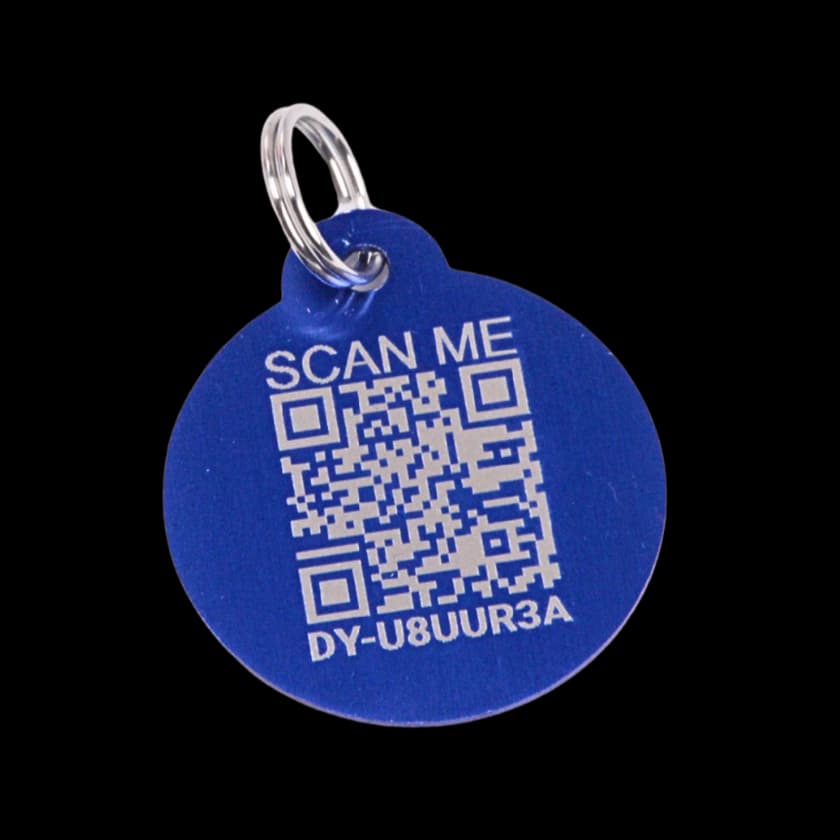
The scan page reads owner contact details from the account associated with the pet. Pet information and private medical records have separate editing areas. Saving private records does not publish them automatically.
Related reads from Driyu
- Your pet profile refresh schedule: what to update and when
- Updating Driyu after a phone number change: step-by-step
- What to update in your pet's profile before moving or traveling
Sources and further reading
Frequently asked questions
How often is “regular”?
Every six months is one possible organizational routine. Update significant changes when they happen; this is not a medical schedule.
Update after every minor vet visit?
Keep the clinic’s original summary and update the relevant private information if it changed. Do not decide which clinical details to discard solely from this checklist.
What if I forget?
Use a calendar you check regularly. Driyu Pro has Smart Reminders for vaccine dates, medication end dates, and custom tasks. A record or reminder is not proof that care was completed or a notification delivered.
Does Driyu auto-import vet records?
This flow does not automatically import a clinic’s records. Obtain the documents from the clinic and maintain the relevant information using the available record or file tools.