
Driyu profile vs pet sitter notes app: when each helps
A Driyu pet profile is identity and records, owner-controlled. A pet sitter notes app is operational notes during a specific stay. They serve different moments.
THE DRIYU JOURNAL
Records & Paperwork
In this reading
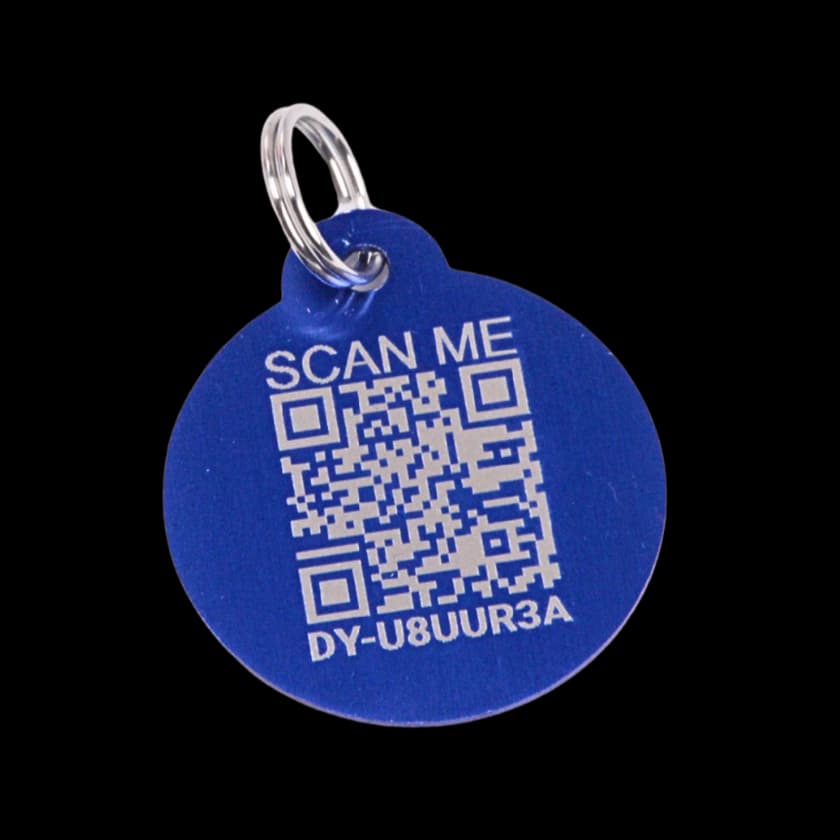
Quick answer: Driyu keeps pet information and care records together. A sitter can use shared access according to their role; scanning a tag only opens the public recovery page. Decide separately how you and the sitter will exchange updates during the stay.
What the Driyu profile is built for
Driyu holds pet identity, contact details and care information in different areas. The public tag page is a limited recovery view. Private records, shared access and Pro tools are separate from that public page.
What a pet sitter notes app is built for
A sitter may use a separate service for updates during a stay. Available features vary; agree which information you will receive rather than assuming every service includes live routes or daily logs.
How they work together
Before the stay, invite the sitter if they need account access and confirm their role. Walk through the information they can actually see. Keep house access instructions in a private handoff, not public recovery notes.
How Driyu fits
Use Driyu’s available private care tools and shared roles for the pet’s records, then agree separately how the sitter will send updates. Do not assume there is a live walk tracker or an automatic stay report.
Related reads from Driyu
- The pet sitter handoff: what to leave with whoever watches your pet
- The cat sitter handoff: a calm checklist for shy-cat households
- The dog walker handoff: what to leave for someone walking your dog
Sources and further reading
Frequently asked questions
Does Driyu log walks and meals?
This experience does not provide a live sitter walk tracker or proof that a meal was served. Nutrition tools, where available in the account, and saved care notes are different from verified real-time activity.
Should I use both?
Choose a clear communication routine and confirm the sitter’s shared access before departure. Remove access when it is no longer needed; do not assume it expires automatically.
Can my sitter update the Driyu profile?
It depends on the role. Family Sync describes Guardian as able to edit pet information and medical records and toggle Lost Mode. View Only does not grant editing. Medical records and caregiver access have limited Free capacity; Pro expands it. Simply adding a sitter to contacts does not grant either role.
What about Rover or Wag?
Check the current features and rules of the sitter service you use. A booking with another service does not automatically connect it to Driyu or grant access to private records.