
Updating Driyu after a phone number change: step-by-step
Changing your phone number can leave pet identification out of date. Update your Driyu account and your microchip registry separately, then check how someone could reach you.
THE DRIYU JOURNAL
Records & Paperwork
In this reading
Quick answer: Update the phone number in your Driyu account and check your public visibility setting. Update the microchip registry separately, review any engraved tag, and scan a Driyu tag to verify the result.
Why it matters
An outdated number can prevent a finder or a microchip registry from reaching you. Updating Driyu does not update the registry. Check both records whenever your contact information changes.
Update Driyu
- Sign in.
- Open Account Settings and edit your profile.
- Update Primary Phone and save your changes.
- Your saved account number is used on the recovery pages for the pets you own, subject to your visibility setting.
- Review Public recovery visibility, then scan a tag to check the result.
Update microchip registry
- Identify your chip number.
- Identify which registry holds it (AAHA Universal Lookup can help).
- Log in to that registry.
- Update the phone. Save.
- Follow the registry confirmation steps, if provided.
Verify end-to-end
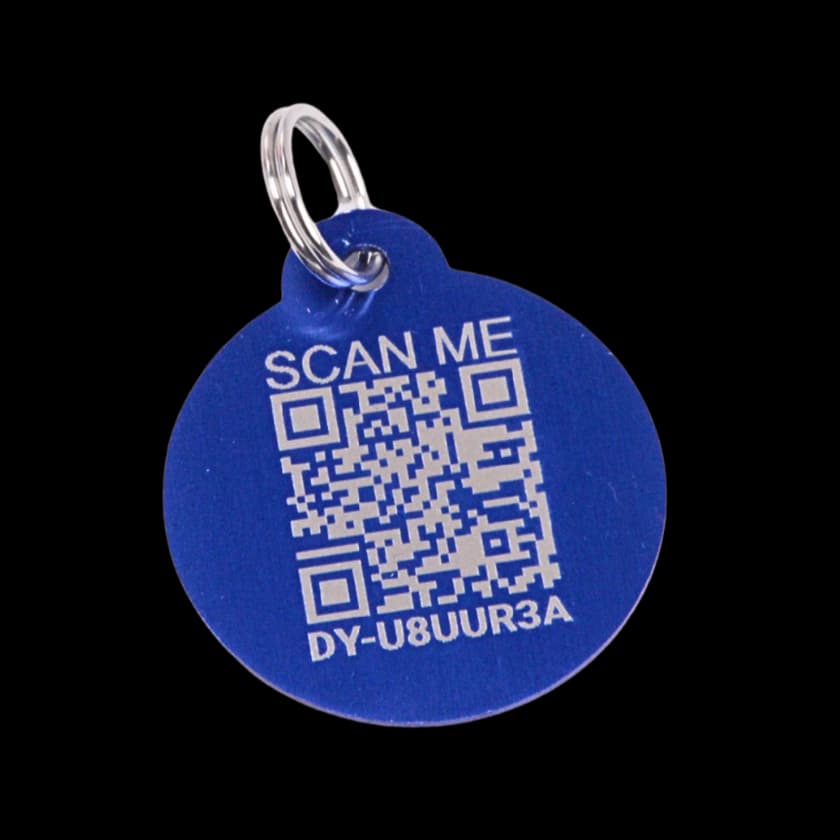
Scan your tag with a second phone. If your phone number is visible, check the new number and test its call button. If you have chosen to hide it, confirm it stays hidden and review your other visible contact options. Check the microchip registry record separately.
How Driyu fits
Driyu reads your saved account phone number for public recovery, subject to your visibility choice. Your microchip registry has its own record, which you update separately.
Related reads from Driyu
- Microchip registration vs the chip itself: what owners get wrong
- How Driyu works with your microchip registry (not as a replacement)
- What to update in your pet's profile before moving or traveling
Sources and further reading
Frequently asked questions
Does Driyu update the microchip registry for me?
No. Update each separately.
Will I get a notification if the new number works?
A scan does not verify that a number works or send a successful-call notification. If the number is visible, use a second phone to test the call button yourself.
What if I forget which registry holds my chip?
AAHA’s lookup can identify participating registries associated with a chip number. If it gives no result, ask the clinic or adoption organization; no match does not prove there is no chip or registration.
Should I update other places too?
Yes — vet file, boarder file, sitter contact. Anywhere you left a phone number for pet care.