
Skip to content

Their whole world. A little closer.

Leer en español
All guides

Shared pet care in Driyu: for families and roommates

One pet, several people, and a clear answer to who can do what.

THE DRIYU JOURNAL

Driyu Story
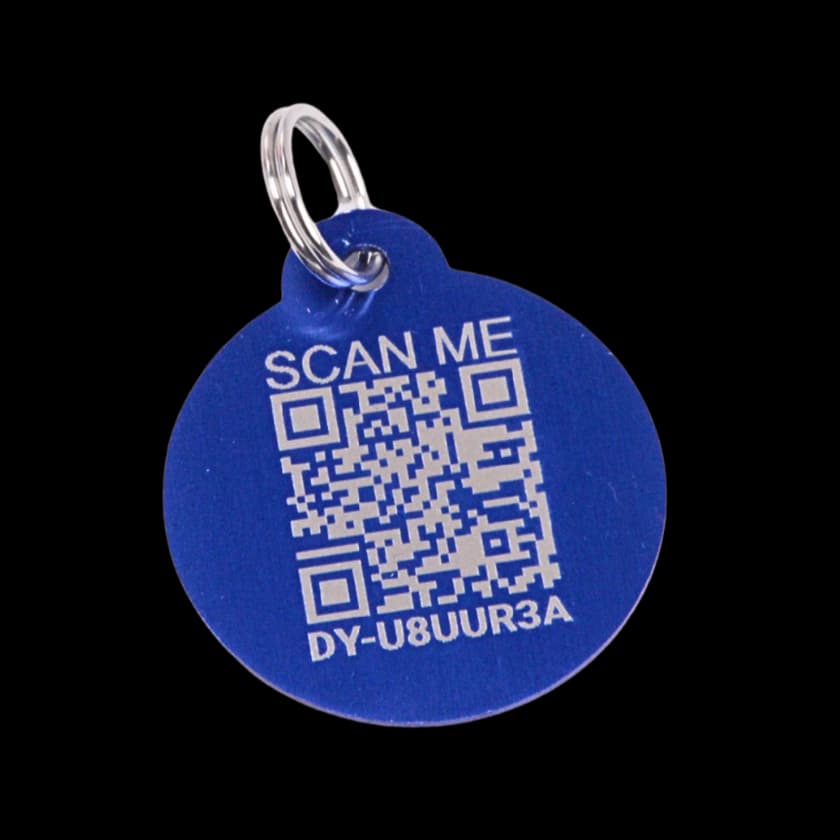
The original blue Driyu QR tag
For the life you share.
In this reading

Family Sync separates Owner, Guardian, and View Only access. Saving a contact is not the same as inviting someone to share a pet.

Bring the right people into the picture.

A household may share the work of caring for a pet without everyone needing the same permissions. Someone helping with daily care may need to update information; another person may only need to read it.

Three roles, different responsibilities.

The current Family Sync screen describes these roles. Review the role when inviting a person instead of assuming every family member can edit.

  • Owner: full control, including deleting the pet.
  • Guardian: can edit pet information and medical records, and toggle Lost Mode.
  • View Only: can view pet information only.

An invitation is a step, not a shortcut.

The owner chooses the person and access level. An invitation may remain pending; preparing or sending one is different from the recipient having accepted it. Family Sync remains in Beta. Free has limited caregiver capacity; Pro expands it. Check your account for current access.

Sharing a pet profile does not share the owner’s login, password, or billing account. Keep account credentials personal. Pro tool access can also depend on the plan. Remove a sitter’s access when care ends; it does not automatically expire. A permanent ownership transfer is a separate process for a new owner.

A contact and an account are different.

A saved sitter, vet, or emergency contact is useful information. It does not grant access to the pet’s records. Use the care-contact tools for names and phone numbers, and the sharing flow when a person needs account access.

Resources and next steps

More guides for pet owners

Driyu stories

From foster home to forever home: helping pets carry their story forward

A foster home is more than a place to wait. It is where a pet learns to trust again — and where the small, important details of who they are can be gathered and carried forward to their forever family.

9 min read
Read guide

Driyu stories

Driyu account vs pet profile: what is the difference?

Driyu has two layers: your account (the owner) and the pet profile (the records, photo, and finder-facing page). New users sometimes confuse them. The two-minute version below clears it up.

3 min read
Read guide

Driyu stories

How Driyu connects pet owners, finders, and trusted care

Pet care involves owners, caregivers, finders, and professionals. Driyu helps organize information for those different situations, with separate public and private areas.

5 min read
Read guide

Driyu stories

How shelters and rescues benefit from digital pet IDs

Shelters and rescues do the hardest version of the work: reuniting pets with families they have never met, on a deadline, with whatever paperwork the pet showed up with. A scannable digital ID is one small layer that can shorten that work, when an owner has set it up before the lost-pet moment.

4 min read
Read guide

Driyu stories

Why we built Driyu

The thinking behind Driyu — what we noticed about pet identification, the boundaries we set, and what we hope a small platform can do for families.

4 min read
Read guide

Privacy & trust

How Driyu keeps your phone number controllable

You can choose whether your phone number appears on the public recovery page. This is an account setting shared by the pets you own. Hiding it leaves the other contact details you keep visible. The report form appears when the pet or tag is marked lost.

4 min read
Read guide